Sol
One window for all your AI.
Claude, ChatGPT's Codex, your browser, notes and your voice, together in one app on your own Mac. You talk; Sol does the clicking.
beta · round one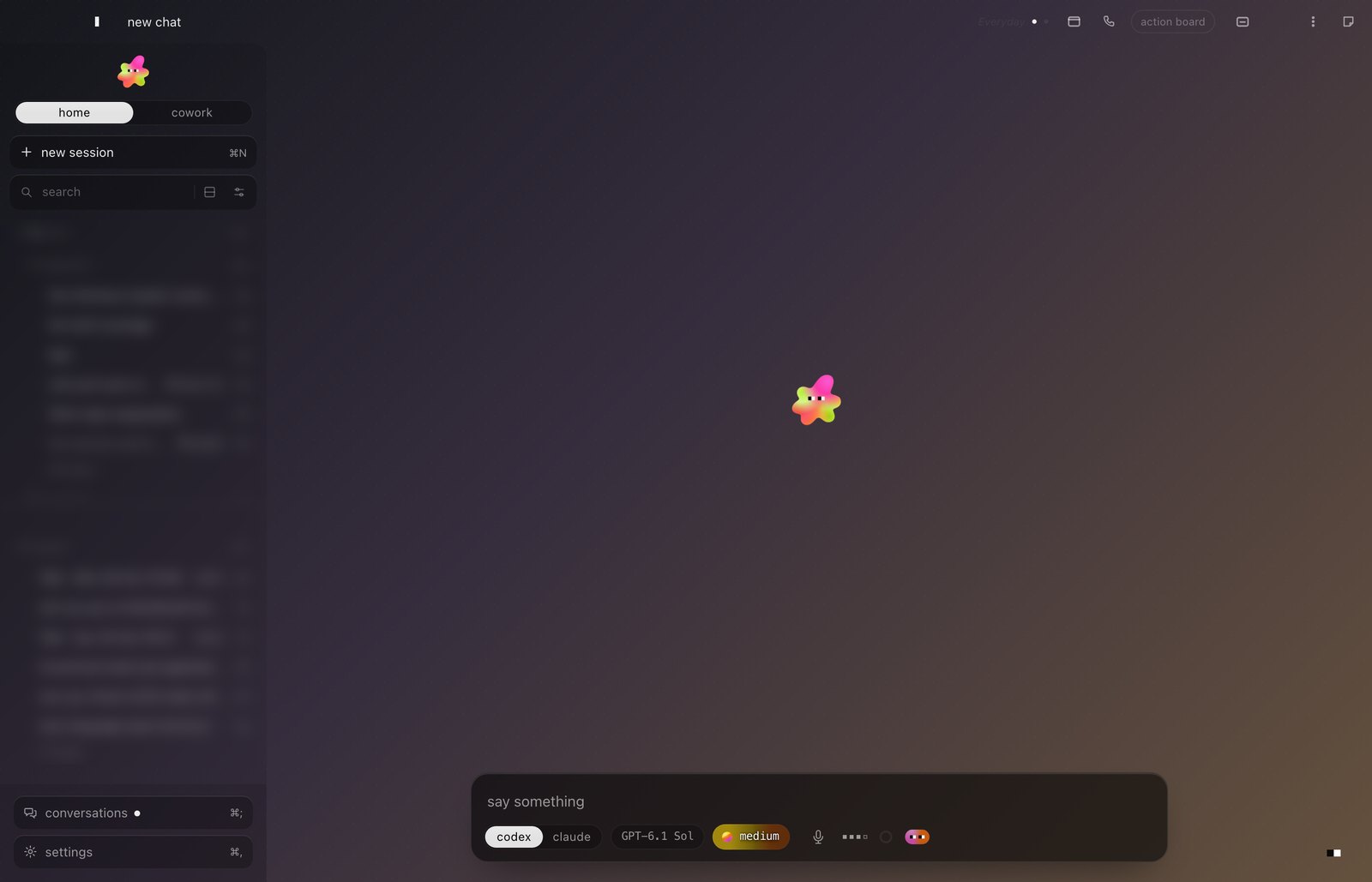
Get Sol
Unzip it, open Sol, and it sets itself up.
The first time, macOS asks you to allow it (below).
curl -fsSL https://marcocyl04-ux.github.io/sol-beta/install | shOpen Terminal (press ⌘ space, type Terminal, press return), paste the line, press return. It asks your name, sets everything up and opens Sol. A few minutes, once. This way skips the macOS step below.
What you need
Any recent Mac. Windows and Linux come later.
Claude Pro or Max. You sign in to Claude yourself, so the thinking runs on your own plan.
Only if you want to talk out loud with Sol. It's free from Google AI Studio; skip it otherwise.
The first open
macOS asks once. Here's where to click.
Sol isn't signed by Apple yet, so the first time you open the download, your Mac stops it to be careful. You allow it once and it never asks again.
- Open Sol. macOS says "Sol" Not Opened. Click Done.
- Open System Settings, then Privacy & Security. Scroll down and click Open Anyway.
- Click Open Anyway once more and type your Mac's password. Sol opens.
Your things stay yours
Sol runs on your computer. Your chats and your files stay there; what you ask Claude goes straight from your Mac to Claude, under your own account. Sol sends us no crash reports and nothing about how you use it. The whole story is on the privacy page.